







Guide to Using Facebook Business Manager (BM) Links
Guide to Using Facebook Business Manager (BM) Links
1. What is Facebook BM?
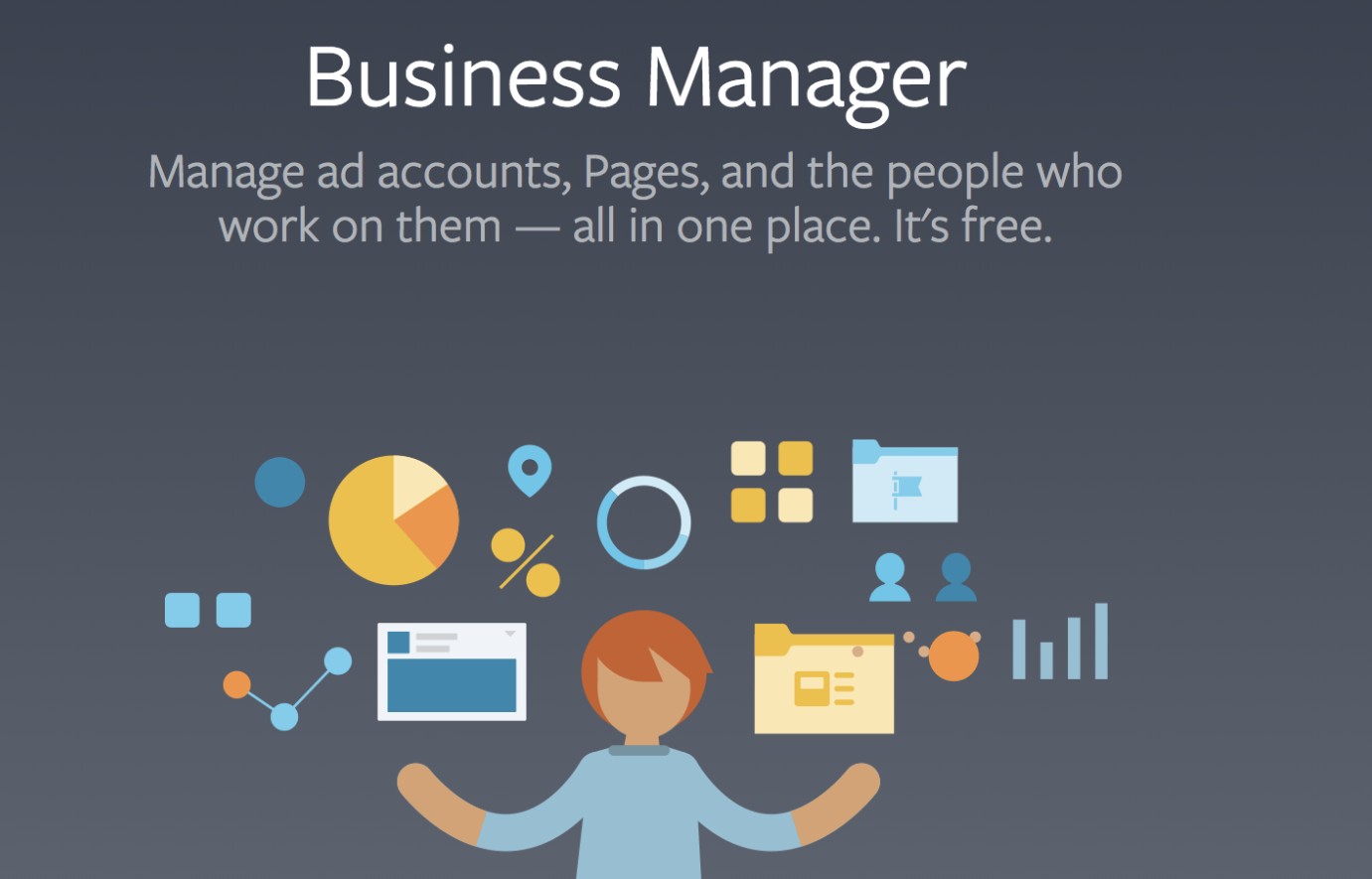
Business Manager (BM) is a tool by Facebook that helps you manage advertising assets, including:
-
Ad accounts
-
Fanpages
-
Pixels
-
Users (team members)
👉 BM links are commonly used to:
-
Invite people to a BM
-
Share access permissions
-
Sell or rent BM accounts
2. Common Types of BM Links
🔹 BM Invite Link
-
Used to add someone to a Business Manager
-
Format example:
https://business.facebook.com/...
👉 When clicking:
-
The user can request access or be added directly (depending on settings)
🔹 Ad Account Sharing Link
-
Used to grant advertising access
-
Can be shared via:
-
Email
-
BM ID / Ad Account ID
-
🔹 Fanpage Access Link
-
Allows management of a Fanpage through BM
-
Commonly used for ads or page administration
3. How to Use BM Links
✅ Case 1: Receiving a BM Invite Link
Step 1: Click the link
Step 2: Log in to your Facebook account
Step 3: Click Accept Invitation
👉 After joining:
-
Check your role: Admin / Employee
-
Check assigned assets (Ads, Pages)
✅ Case 2: Sending a BM Invite
Step 1: Go to BM
👉 Link: https://business.facebook.com/
Step 2: Business Settings → Users → Add
Step 3: Enter the user’s email
Step 4: Select role (Admin or Employee)
Step 5: Send invitation
✅ Case 3: Sharing an Ad Account via ID
Step 1: Go to:
-
Business Settings
-
→ Ad Accounts
Step 2: Select the ad account
Step 3: Add a person or another BM using ID
4. How to Check if a BM is Safe (Very Important)
Before buying or using a BM, check:
-
✔️ Is the BM verified?
-
✔️ Does it have ad history?
-
✔️ Any restrictions?
-
✔️ Number of ad accounts available?
👉 Skipping checks may lead to BM disable or financial loss
5. Important Notes When Using BM Links
⚠️ Avoid clicking unknown links (possible phishing)
⚠️ Do not share BM with too many strangers
⚠️ Always enable 2FA (Two-Factor Authentication)
⚠️ Avoid logging in on untrusted devices
6. Pro Tips for Using BM Effectively
-
Separate BM by project → reduce risk
-
Use 1–2 niches per BM
-
Prefer aged BM with history → more stable ads
-
Always keep at least 2 admins as backup
7. Summary
Facebook BM links are essential for:
-
Advertising services
-
Managing multiple accounts
-
Running an agency
👉 Proper usage helps:
-
Improve security
-
Scale ads effectively
-
Avoid account bans
New posts


Most viewed
- How to Log In Facebook Account (Updated 2025) 30,959
- How to buy accounts on Accmoon ? Step-by-step instructions 10,711
- Solution to fix disabled account after adding payment 10,245
- How to safely change your Facebook account password 10,057
- Fix account being disabled after adding a card that doesnt hold funds successfully 8,319